
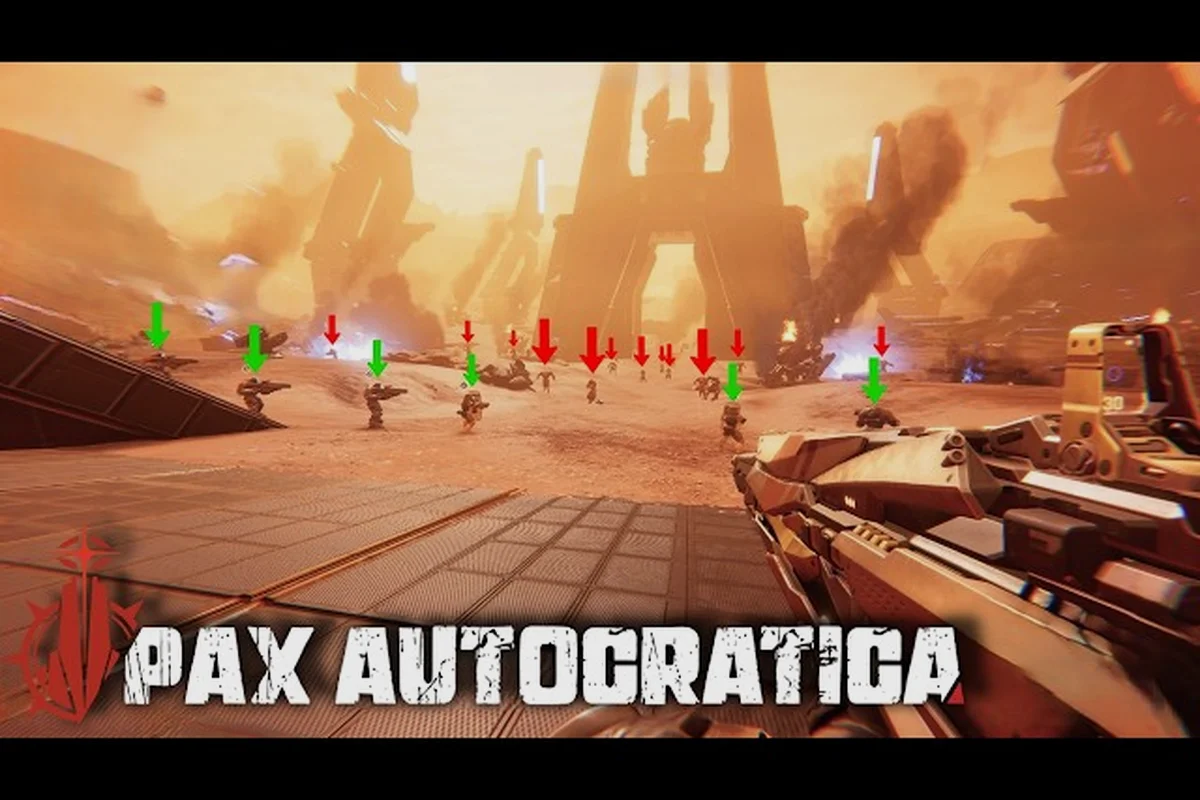
If you are planning to run a totalitarian colony and then personally lead soldiers through roguelite battlefields, you need to know the Pax Autocratica specs before you hit that buy button. The official requirements on the Pax Autocratica Steam page confirm that this game demands a 64-bit processor and operating system, which means older 32-bit Windows installations will not work at all. This matters because the game blends colony simulation with real-time combat, and both systems tax your hardware differently, so understanding the full Pax Autocratica PC specs helps you avoid buying a game that stutters or fails to launch on your current setup.
For players aiming to run Pax Autocratica at higher frame rates, the GPU often becomes the deciding factor, and you can check the detailed hardware demands in our Pax Autocratica Gpu Requirements guide before tweaking your settings.
The Official Spec Sheet, Line by Line
The developer published two tiers of hardware targets on Steam, and both are surprisingly modest for a game that renders large colonies alongside bullet-hell combat sequences. The minimum tier is designed for 1080p gaming at lower settings, while the recommended tier targets smoother frame rates and higher visual fidelity. Since the game is still in Early Access, these numbers may shift with future optimization passes, but they represent the best available baseline as of August 2026.
| Component | Minimum Requirement | Recommended Requirement |
|---|---|---|
| OS | Windows 10 64-bit | Windows 10 64-bit |
| Processor | Intel i5-8600 / AMD Ryzen 5 1600x | Intel i7-8700K / AMD Ryzen 5 3600 |
| Memory | 16 GB RAM | 16 GB RAM |
| Graphics (1080p) | Nvidia GTX 1060 6G / RX 480 (6GB+ VRAM) | Nvidia GTX 2060 Super / RX 5700 XT (8GB+ VRAM) |
| Graphics (1440p) | GTX 1070 8G / RX Vega 56 | Nvidia GTX 2060 Super / RX 5700 XT |
| DirectX | Version 11 | Version 11 |
| Storage | 40 GB available space | 40 GB available space |
The first thing you will notice is that 16 GB of RAM is the baseline for both tiers, which is unusual because many strategy games still list 8 GB as the minimum. This suggests the colony simulation layer holds a significant portion of your citizen data in memory, and the developers decided not to compromise on that front. The DirectX 11 requirement also tells you that the game does not rely on ray tracing or other DirectX 12 exclusive features, which is good news if you are running an older GPU that lacks hardware ray tracing support.
Why the 64-Bit Requirement Is Non-Negotiable
The Pax Autocratica 64 bit requirement is not just a formality, because the game needs to address more than 4 GB of RAM to handle the simulation state of a large colony. A 32-bit process is limited to roughly 2 GB of usable memory, which would cause frequent crashes once your population grows and the game starts tracking individual citizen loyalties, fears, and relationships. Community reports from the demo builds indicate that late-game colonies with 100+ citizens consume over 6 GB of RAM on their own, so the 64-bit architecture is essential for the full experience.
Storage Space and Download Size Considerations
The 40 GB storage requirement covers the initial download, but you should plan for additional space if you intend to install mods or save multiple campaign files. Players who tested the demo reported that the full game installs closer to 35 GB on disk, leaving the extra 5 GB as headroom for updates and patches. Since the game is in Early Access, each major update may increase the install size, so keeping at least 50 GB free is a safer target for long-term play.
How the Pax Autocratica Specs Compare to Similar Strategy Games
To understand whether these requirements are reasonable, it helps to compare them against other games in the colony-sim and tactical combat genres. The Pax Autocratica PC specs sit comfortably in the mid-range category, which makes sense given the game's hybrid nature. RimWorld, a direct inspiration for the colony layer, runs on much weaker hardware because it uses a 2D tile-based renderer, while XCOM 2, which influenced the combat design, requires similar specs to what Pax Autocratica asks for.
| Game | CPU Minimum | GPU Minimum | RAM | Storage |
|---|---|---|---|---|
| Pax Autocratica | i5-8600 / Ryzen 5 1600x | GTX 1060 6G | 16 GB | 40 GB |
| RimWorld | Core 2 Duo | Intel HD 4000 | 4 GB | 4 GB |
| XCOM 2 | i3-3220 | GTX 660 | 8 GB | 45 GB |
| Cities: Skylines II | i5-8600K | GTX 1650 | 8 GB | 60 GB |
The comparison reveals that Pax Autocratica demands more RAM than most strategy titles, but its GPU requirements are actually more forgiving than modern city builders. The reason is that the game renders combat arenas with real-time projectiles and enemy patterns, which benefits from a decent GPU, but the colony view is relatively static and does not push your graphics card as hard. If you are coming from RimWorld, you will need a significant hardware upgrade, but if you already play XCOM 2 or similar tactical games, you are likely close to meeting the requirements.
What the Recommended Tier Actually Buys You
The jump from minimum to recommended specs is not about enabling higher resolutions, because both tiers support 1080p and 1440p. Instead, the recommended tier provides smoother frame rates during intense combat sequences and faster loading times when you transition between the colony map and expedition battlefields. The GTX 2060 Super and RX 5700 XT both support hardware-accelerated DirectX 11 rendering, which reduces CPU overhead during large-scale fights with dozens of enemies on screen.
Performance Expectations and Real-World Benchmark Results
While the official specs tell you what hardware is supported, they do not tell you what frame rates to expect. Community testing from the demo builds provides a clearer picture of real-world performance, and the results are encouraging for mid-range PC owners. According to player reports, the game is well-optimized for its current Early Access state, with most systems hitting 60 FPS at 1080p on medium settings.
| Hardware Setup | Resolution | Graphics Settings | Average FPS | Notes |
|---|---|---|---|---|
| GTX 1060 6G + i5-8600 | 1080p | Low | 55-65 | Dips to 45 during heavy combat |
| GTX 1070 8G + Ryzen 5 1600x | 1080p | Medium | 60-75 | Stable in colony view |
| GTX 2060 Super + i7-8700K | 1440p | High | 55-70 | Occasional stutter on expedition load |
| RX 5700 XT + Ryzen 5 3600 | 1440p | High | 60-80 | Smooth overall experience |
The Pax Autocratica benchmark data suggests that the minimum specs will deliver a playable experience, but you may need to lower graphics settings during expedition missions where bullet-hell patterns fill the screen. The colony management view is significantly lighter on your GPU, so you can run higher settings there and then dial things back before entering combat. Players with the recommended specs report a consistent 60 FPS experience at 1440p, which makes the recommended tier the sweet spot for most gamers.
CPU Bottlenecks and Simulation Performance
The game's simulation layer is surprisingly CPU-intensive, because it tracks individual citizen behaviors, relationships, and loyalty values in real time. Community benchmarks show that the CPU matters more than the GPU for colony management, especially when your population exceeds 80 citizens. The i5-8600 minimum requirement is justified, because older quad-core processors without hyperthreading may struggle to maintain 60 FPS during large-scale colony operations.
Practical Optimization Tips for Lower-End Hardware
If your system falls below the minimum Pax Autocratica specs, you still have options to make the game playable, though you will need to make some compromises. The game's settings menu includes several performance options that can significantly reduce the load on your hardware without destroying the visual experience. Based on community testing and developer patch notes, the following adjustments yield the best performance gains.
-
Disable shadow quality: Shadow rendering is the single biggest GPU drain, and dropping it from High to Low can improve frame rates by 15-20 percent in combat scenes.
-
Reduce particle effects: The bullet-hell combat generates many particle effects, and lowering this setting helps maintain clarity during dense enemy patterns.
-
Cap the frame rate at 30 FPS: If you are playing on a GTX 1060 or equivalent, capping at 30 FPS provides a more consistent experience than letting the frame rate fluctuate between 40 and 60.
-
Close background applications: The 16 GB RAM requirement means the game uses a significant chunk of memory, so closing browsers and other memory-heavy apps prevents stuttering.
-
Use the in-game resolution scaler: The game includes a dynamic resolution option that adjusts rendering resolution based on your current frame rate, which is ideal for older GPUs.
The Pax Autocratica optimization scene is still developing, but the developer has shown a commitment to performance improvements across the nine demo updates. Players who tested the latest build report that loading times have improved significantly, and the colony view runs smoother than earlier versions. If you are planning to play on a laptop with integrated graphics, you should wait for further optimization patches, because the current minimum requirements are not friendly to iGPU setups.
Adjusting Settings for the Colony View vs. Combat
One of the smartest optimization strategies is to use different graphics presets for colony management and combat expeditions. The colony view is mostly static, so you can enable higher shadow quality and particle effects without impacting performance. Combat missions, on the other hand, benefit from lower settings that prioritize frame rate and visual clarity, because you need to read enemy bullet patterns accurately to dodge effectively.
Is Your Current PC Ready for Pax Autocratica?
Before you purchase the game, you should verify that your system meets the Pax Autocratica PC specs by checking your hardware configuration. Windows users can open the Task Manager and navigate to the Performance tab to see your CPU, GPU, and RAM usage, while the Settings app shows your OS version and DirectX support. If you are unsure whether your GPU has enough VRAM, tools like GPU-Z provide detailed information about your graphics card.
| Check | How to Verify | Minimum for Pax Autocratica |
|---|---|---|
| OS Architecture | Settings > System > About | 64-bit Windows 10 or newer |
| CPU Generation | Task Manager > Performance > CPU | Intel 8th gen or AMD Ryzen 1000 series |
| RAM | Task Manager > Performance > Memory | 16 GB or more |
| GPU VRAM | GPU-Z or Task Manager > Performance > GPU | 6 GB or more |
| DirectX Version | Run dxdiag in Command Prompt | DirectX 11 or higher |
The DirectX 11 requirement is worth emphasizing because some older GPUs only support DirectX 10, and those cards will not run the game at all. If your graphics card was released before 2014, you should check its DirectX feature level before purchasing. The game does not support DirectX 12 exclusive features, so upgrading your GPU solely for this game is unnecessary if you already meet the minimum requirements.
What to Do If You Fall Short of the Requirements
If your system does not meet the minimum Pax Autocratica specs, you have a few options. You can upgrade your RAM to 16 GB, which is the most affordable fix, or you can invest in a newer GPU with at least 6 GB of VRAM. The CPU requirement is harder to address because it may require a motherboard upgrade, so check your current socket compatibility before buying a new processor. Alternatively, you can wait for the full release, because the developer may lower the minimum requirements after further optimization passes.
Planning for Future Updates and the Full Release
The game is currently in Early Access, and the Pax Autocratica specs may change as the developer adds new features and optimizes existing systems. The roadmap includes co-op multiplayer, which could increase the CPU load because the game will need to synchronize colony states between players. Community discussions suggest that the developer is also working on a DirectX 12 renderer for future performance improvements, though this has not been officially confirmed.
| Upcoming Feature | Potential Hardware Impact | Current Status |
|---|---|---|
| Co-op Multiplayer | Higher CPU usage for network sync | Announced on roadmap |
| DirectX 12 Support | Potential GPU performance gains | Rumored, unconfirmed |
| Larger Colony Maps | More RAM and VRAM usage | In development |
| New Enemy Types | More complex combat rendering | Planned for updates |
The Pax Autocratica optimization work is ongoing, and the developer has released nine demo updates that each included performance improvements. Players who participated in the demo testing report that the game has become noticeably smoother with each update, which bodes well for the full release. If you are building a new PC or planning an upgrade, targeting the recommended specs gives you headroom for future content updates.
Should You Upgrade Now or Wait for Full Release?
If your current system meets the minimum Pax Autocratica PC specs, there is no urgent need to upgrade before the full release. The game is playable at 1080p with the minimum hardware, and you can always adjust settings to improve performance. However, if you are planning to play at 1440p or want to experience the game with high graphics settings, upgrading to the recommended tier is worth considering, especially since the co-op update may demand more from your CPU.
Frequently Asked Questions
Can I run Pax Autocratica on a 32-bit operating system?
No, the game requires a 64-bit processor and operating system as a hard minimum requirement. The simulation layer tracks individual citizen data and relationships, which exceeds the memory limits of 32-bit processes. You need to install a 64-bit version of Windows 10 or newer to launch the game.
Is 16 GB of RAM really necessary for Pax Autocratica?
Yes, the official Pax Autocratica specs list 16 GB as the minimum for both tiers. The colony simulation holds significant data in memory, and community testing shows that late-game colonies consume over 6 GB of RAM. Running with 8 GB may cause stuttering or crashes as your population grows.
Does Pax Autocratica support DirectX 12?
No, the current version of the game uses DirectX 11 exclusively. The developer has not confirmed DirectX 12 support, though community discussions speculate it may come in a future update. Your GPU needs to support DirectX 11 at minimum, which includes most cards released after 2014.
How much storage space does Pax Autocratica require?
The official requirement is 40 GB of available space, though the actual install size is closer to 35 GB based on demo testing. You should keep at least 50 GB free to accommodate future updates and patches, especially since the game is still in Early Access.
Can I run Pax Autocratica on a gaming laptop?
Yes, a gaming laptop with a dedicated GPU and 16 GB RAM meets Pax Autocratica’s minimum specs. Integrated graphics won’t cut it—you need at least 6 GB VRAM. Check your GPU model first; if it’s an RTX 3060 or better, you’re ready to rule.