
System Requirements
Pax Autocratica system requirements — minimum and recommended PC specs, DirectX, storage, performance tips and Steam Deck notes so you can run the colony sim and FPS roguelite smoothly.
Introduction
The System Requirements page tells you whether your PC can run Pax Autocratica, and how to get the best performance if it can. The game is a colony sim and FPS roguelite hybrid, so it needs to handle both dense simulation and fast first-person combat. The minimum spec targets 1080p at playable frame rates on older hardware, while the recommended spec targets a smoother experience at higher settings. Pax Autocratica requires 40 GB of free storage, DirectX 11, and Windows 10 64-bit, and it is verified for mouse and keyboard control. This page also covers settings optimization and Steam Deck considerations.
PC Requirements
| Component | Minimum | Recommended |
|---|---|---|
| OS | Windows 10 64-bit | Windows 10 64-bit |
| CPU | i5-8600 / Ryzen 5 1600x | i7-8700K / Ryzen 5 3600 |
| GPU | GTX 1060 6G / RX 480 | GTX 2060 Super / RX 5700 XT |
| RAM / Storage | 16 GB / 40 GB | 16 GB / 40 GB |
Spec Overview
Minimum Spec
1080p at playable frame rates — 1080p at playable frame rates
Recommended Spec
Smoother, higher settings — smoother performance at higher settings
Storage
40 GB free space required — 40 GB of free space required
Performance Tips
Get the most out of your hardware — get the most from your hardware
Core Mechanics
The requirements reflect that Pax Autocratica is both a simulation and a shooter. The colony view is CPU-bound, so large colonies can strain older processors, while the first-person combat sections are GPU-bound and benefit from a stronger graphics card. The minimum spec targets 1080p at playable frame rates with lower settings, and the recommended spec targets smoother performance and higher graphics settings. Both require DirectX 11 and 40 GB of storage. For performance, lowering shadow quality and anti-aliasing gives the biggest combat gains, and keeping colonies a manageable size helps CPU-bound players. The game currently supports mouse and keyboard, with controller support details pending.
Advantages
The requirements are modest for a hybrid of this scope. A GTX 1060 or RX 480 meets the minimum, which means most modern gaming PCs and many older ones can run the game. The 16 GB RAM requirement is reasonable, and the art style is optimized well enough that even mid-range hardware can reach smooth frame rates in combat. The free Prologue demo makes it easy to benchmark your own machine before you commit, and the clear minimum and recommended tiers remove the guesswork from upgrading. The demo makes the decision easy, and the modest bar means most players do not need to upgrade to enjoy the game.
Challenges
The 40 GB storage requirement is on the higher side, and the CPU demands can surprise players who only focus on the GPU spec. The colony simulation is CPU-intensive, so players with older processors may see frame drops in large colonies even if their graphics card meets the recommended tier. Controller support is still pending, which limits couch play and Steam Deck use, and the game has not been benchmarked by the community yet, so real-world performance on mid-range hardware is still unverified. Check real-world reports after launch if your hardware is close to the minimum, since synthetic specs never tell the whole performance story.
Frequently Asked Questions
Can my PC run Pax Autocratica?+
Is Pax Autocratica CPU or GPU heavy?+
Does Pax Autocratica work on Steam Deck?+
Quick Tips
Download the free Prologue demo to benchmark your PC before buying. The demo runs the same engine and core systems as the full game, so it is the most accurate way to test whether your hardware meets the minimum spec before you spend money. The demo is the most honest benchmark available.
Lower shadow quality and anti-aliasing for the biggest combat frame rate gains. The first-person sections are GPU-bound, and these two settings cost the most performance for the least visual gain, so turning them down smooths your aiming without ruining the look. These two settings offer the best performance trade-off.
Expect CPU pressure in large colonies — keep your colony manageable if your processor is older. The colony view is CPU-bound, so a sprawling base on an old CPU will drop frames even with a strong graphics card. Expand slowly and monitor performance. Monitor frame rate as your colony grows.
Featured

Pax Autocratica System Requirements: Minimum and Recommended
Check the Pax Autocratica system requirements: minimum and recommended PC specs, DirectX 11, and the 40 GB storage you need to run the game.
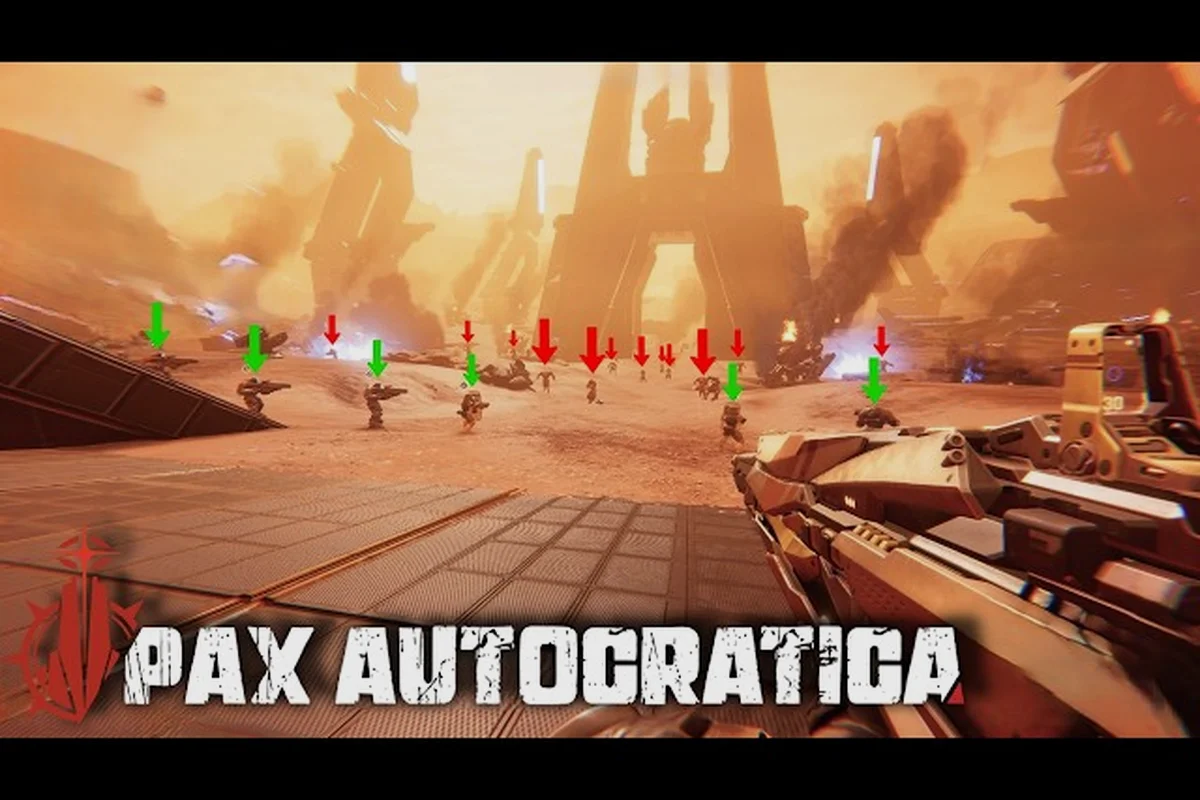
Pax Autocratica PC Specs: CPU, GPU, and Download Size
Full Pax Autocratica PC specs: CPU, GPU, RAM, DirectX 11, download size in GB, and a benchmark of what to expect on a mid-range gaming computer.

Pax Autocratica GPU Requirements: Graphics Card and RAM
See the Pax Autocratica GPU requirements: graphics card tiers from GTX 1060 to RX 5700 XT, RAM needs, and what specs handle 1080p and 1440p.
All Articles

Pax Autocratica Low End PC: Steam Deck and Optimization
Run Pax Autocratica on a low end PC or Steam Deck: optimization settings, controller support, and the FPS guide for weaker hardware and laptops.

Pax Autocratica DirectX Requirement: Performance and FPS
Understand the Pax Autocratica DirectX 11 requirement, the best graphics settings, and how to optimize performance for a high and stable FPS on your PC.

Pax Autocratica Prologue Requirements: Laptop and SSD
Check the Pax Autocratica Prologue demo requirements: how much storage the demo needs, SSD recommendations, and laptop specs that can play it.